

Warehouse work
- Counting, picking, receiving, and putaway
- Receipts against purchase orders
- Directed picking and replenishment
Mobile operations
Counting, receiving, picking, and aisle lookup on handhelds and phones — running the same logic as the POS and the back office, not a separate app with its own stock file.
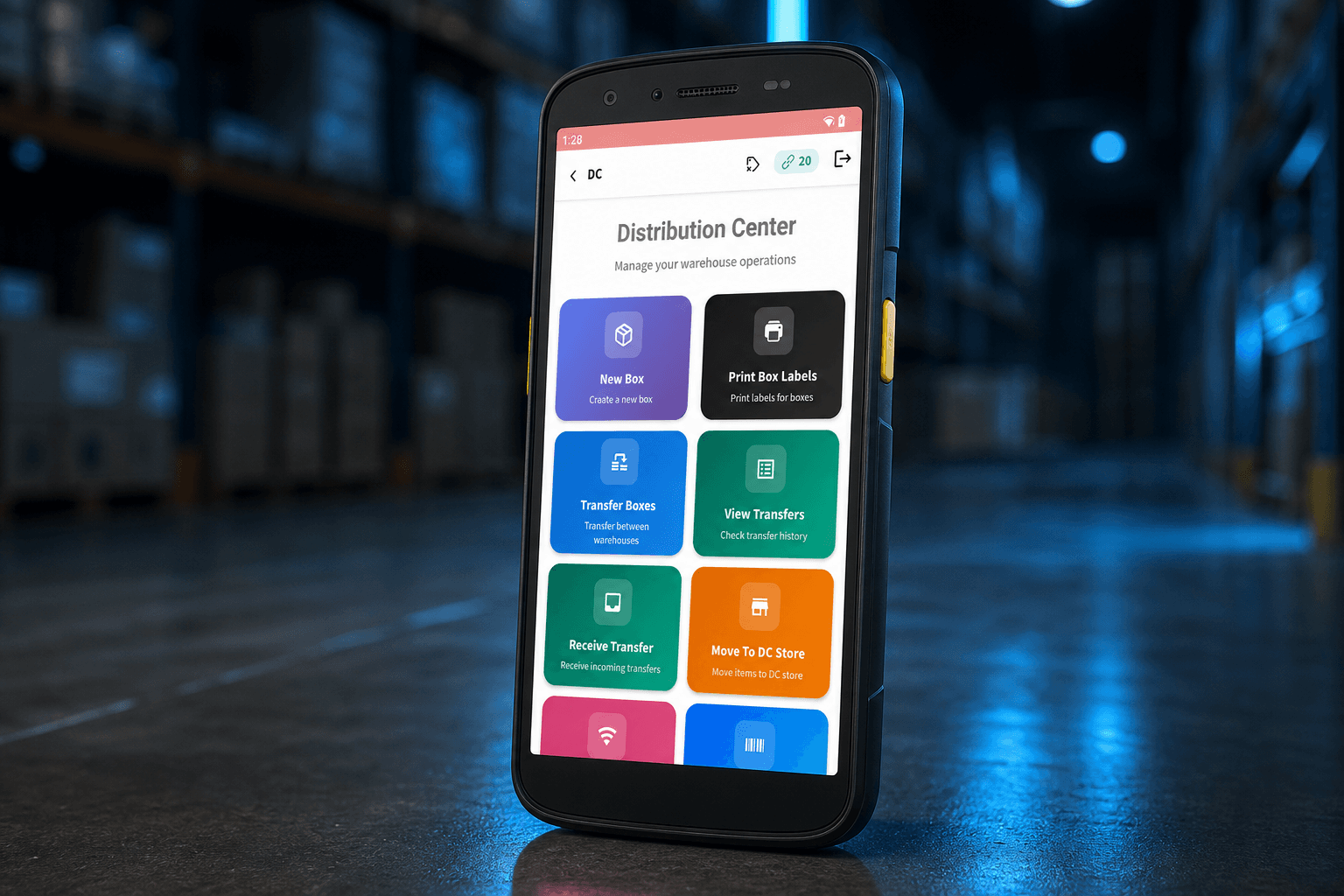
Zebra TC22
What breaks first
Counts still happen on paper, then someone keys them in later.
Receiving and picking wait for a desktop that is not on the dock.
Price and stock in the aisle still mean a phone call to the office.
The handheld app, if there is one, does not write the file the cashier sells from.
When a count or receipt fails, it becomes a supervisor and another call.
What the handheld does
What it runs on
We map the devices you have — then write the workflow for a scanner trigger, not a mouse.
Branches
10+
Live on one network, rolled out site by site
Where it runs today
POS, inventory, handhelds, and RFID on one stock record. Interfaces in English, Arabic, and French.
Handheld counting and receiving on the same multi-branch network as the counters. We don’t publish the operator’s name.
A mobile operations project
Walk the dock and the aisle. Watch how counts, receipts, and lookups actually happen.
Agree the tasks, the scan path, and what a failed read is supposed to do.
Same stock record as POS and warehouse. Devices treated as part of the product.
Live with one team on the floor, then the next site once the first is stable.
Training for the people holding the device — warehouse, branch, receiving.
Hosting and maintenance if you want them, and a path when the next workflow is added.
Counts, receiving, picking, aisle lookup, and the devices already in use. We will say what belongs on a handheld.